A typical day for a sales rep: the CRM in one tab, a company database in another, an email tool in a third, ChatGPT in a fourth. Data gets copied from window to window, and half the time goes into finding the right button in yet another interface.
Meanwhile people already go to an AI chat to think, write and research companies. The logical next step: let the agent fetch the data from where it lives.
Why interfaces lose to agents
A product interface is designed for an average user. Someone decided on the filters, buttons and reports in advance, and your process has to fit them.
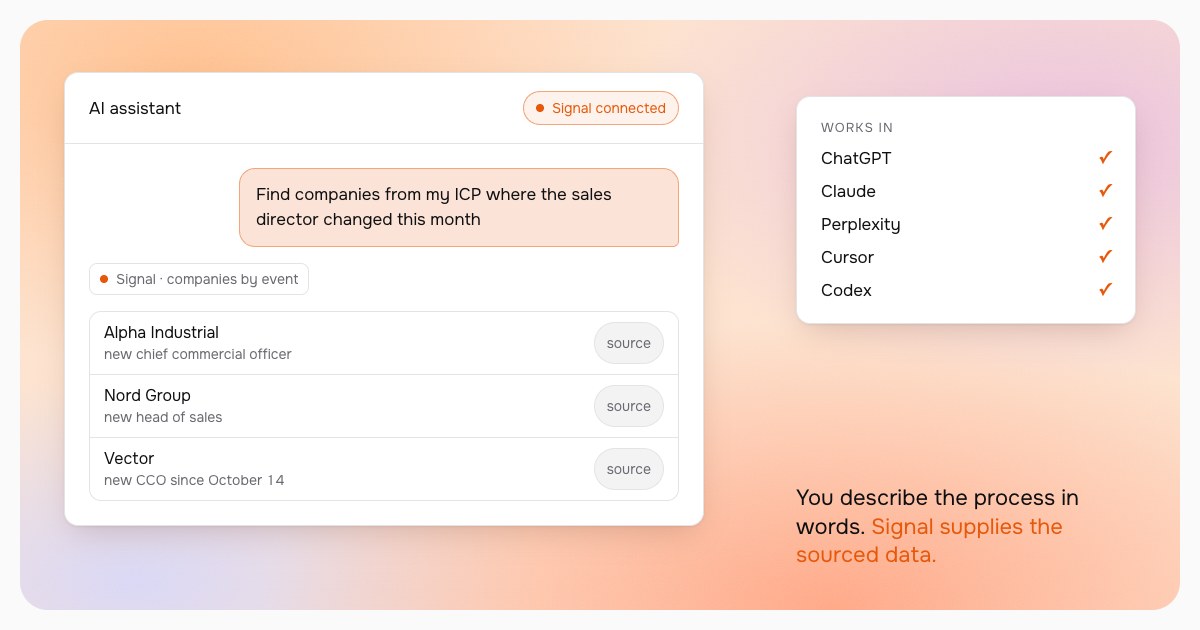
An agent works the other way round. You describe the task in your own words, and it decides which data to take and in what order:
- "Find companies from my ICP where the sales director changed this month"
- "Research these five companies and tell me which one to contact first"
- "Draft an email to Ivan at Alfa-Prom using the trigger from their latest news"
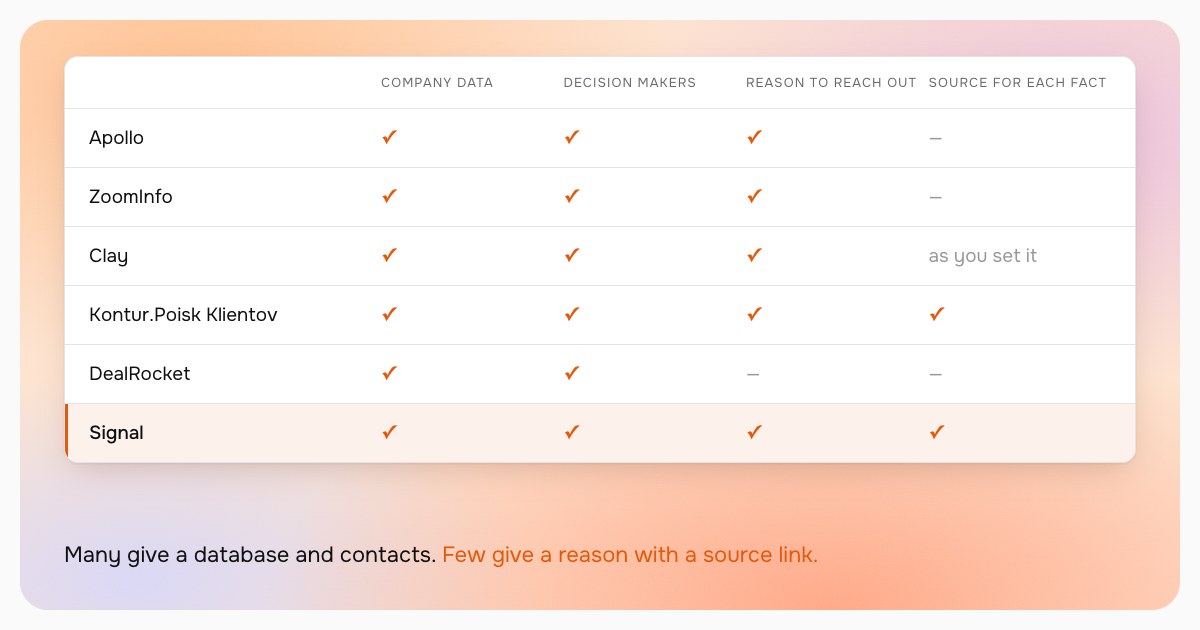
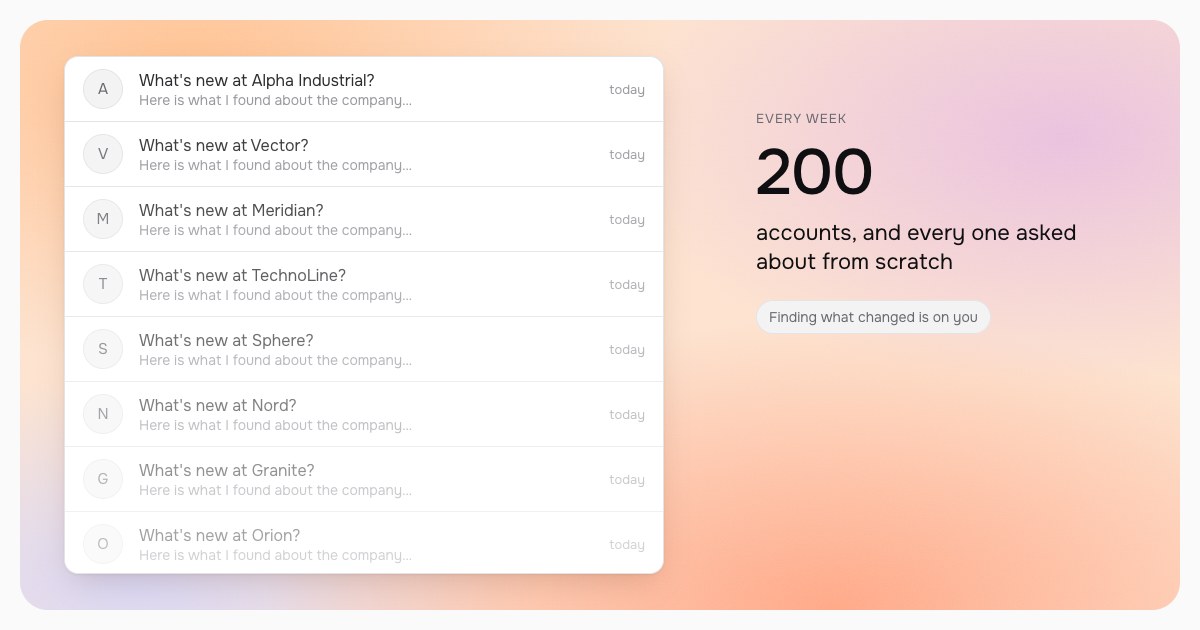
For this the agent needs good data. A model without a source is confidently wrong, and the checking falls on you. We showed what that looks like across two hundred companies in the article on ChatGPT for account research.
What Signal gives your agent
Signal connects to an agent over MCP, an open protocol. Once connected, the agent works with your Signal workspace the way you would in the interface:
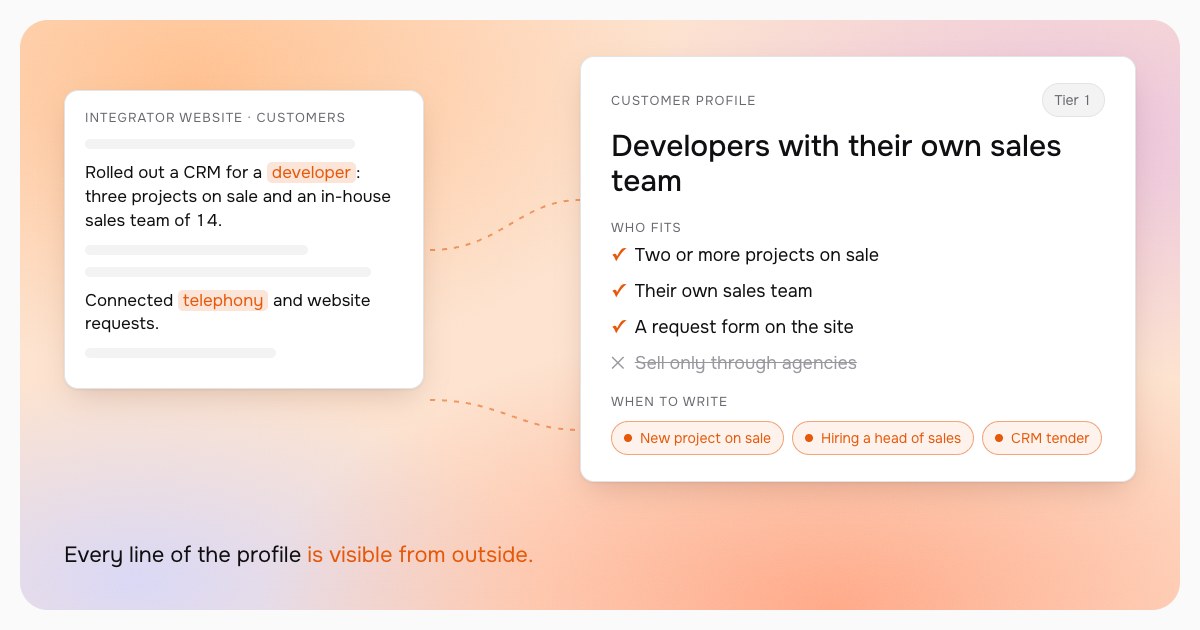
- Customer profile and signals. The agent creates an ICP and a signal that finds companies with a trigger: sales hiring, a tender, a leadership change.
- Company research. A dossier with a source link for every fact. The agent has something to cite, and every statement can be checked.
- Decision makers and contacts. Heads of functions with their public profiles, and contact lookup.
- Lead lists. The agent imports your list of people, and their companies are ready for research right away.
- Message sequences. Draft messages built around a specific trigger.
Reads and searches are free, and the agent runs them at once. Signal shows the price of a paid operation before it runs, and the agent asks for your consent.
How to connect
Signal works in ChatGPT, Claude, Perplexity, Grok and Le Chat, and for developers in Codex, Claude Code, Cursor and VS Code. Sign-in uses OAuth: there is no key to copy, and the agent gets access after you sign in to Signal in the browser.
In ChatGPT, for example, it takes three steps:
- Settings → Apps & Connectors; at the bottom, in Advanced settings, turn on Developer mode.
- Click Create, paste the address from your Signal settings, Authentication: OAuth.
- Sign in to Signal in the window that opens.
ChatGPT needs a paid plan for this. Step-by-step guides for every client are in Signal, in the agent connection settings.
From here, you design the process
Once connected, you do not have to wait for us to add the button you need. The process is built from ordinary sentences:
- Morning review. "Show new events from my signals overnight and suggest three companies to contact today."
- Call prep. "I have a call with Beta Logistics in an hour. Collect what is new there, who decides, and the source links."
- Working a list. "Here is a 300-person export from a conference. Load it into Signal, find their companies and flag the ones with a trigger."
- Other tools. If your agent is also connected to email, a calendar or a CRM, it can move the result to wherever you work.
Signal remains the data source: it watches companies on a schedule, checks facts and keeps the history. The agent becomes your interface to it, shaped the way you like.
Where to start
Connect Signal to the agent you already use and ask it to research one company you have long wanted to sell to. Operation prices are on the pricing page, and to see how much time research takes your team today, try the quiz on the home page.